I keep seeing those little USB monitors that sit under a monitor and show CPU, temps, a graph or two. I wanted one. I also had a 2020 Galaxy S10e in a drawer doing nothing, and a suspicion that the two facts cancel out.
They did.
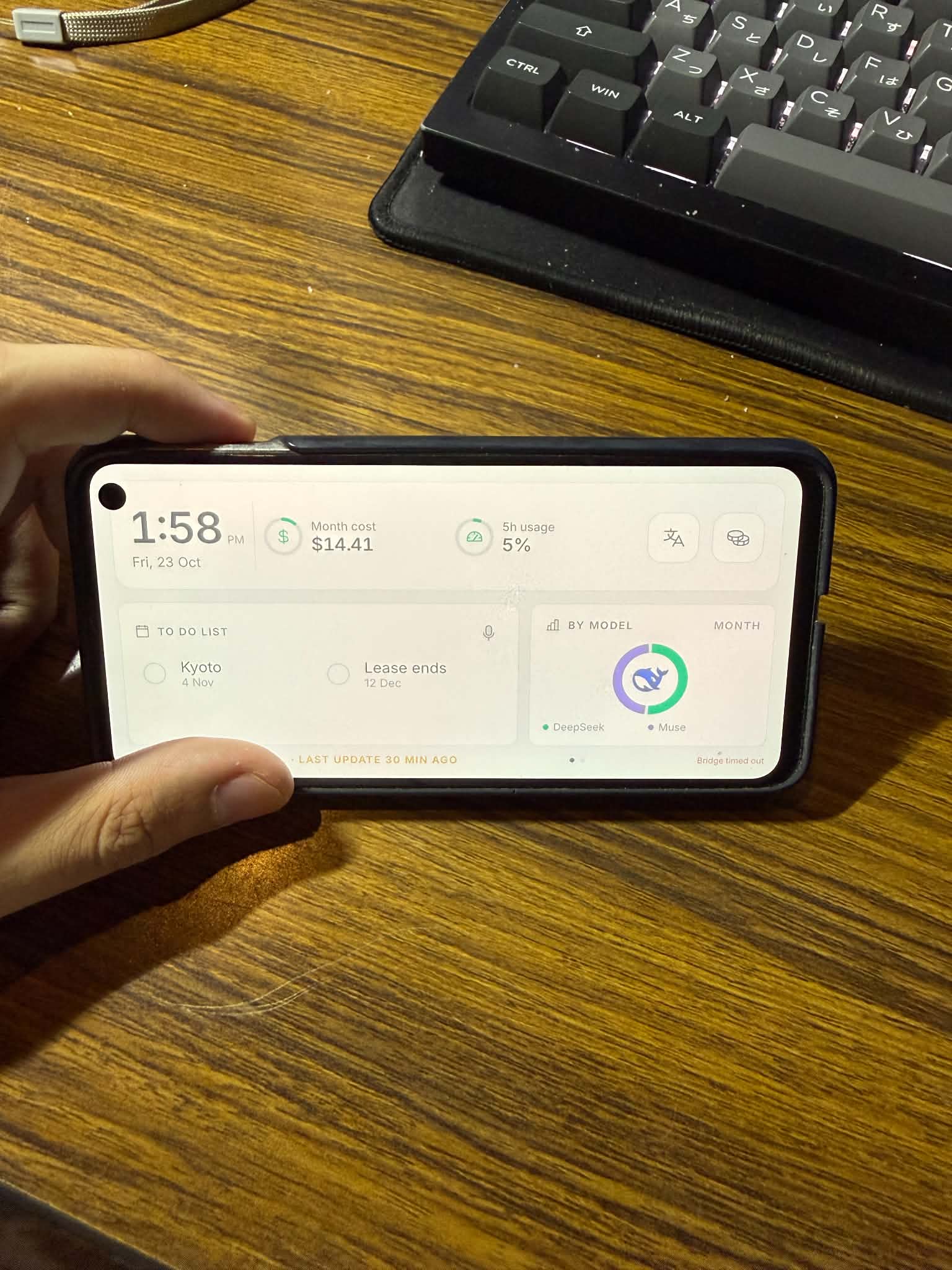
Problem
It costs money to show numbers I already have. A small panel plus a Pi or a Windows service is real money and real setup, for something that renders JSON.
The old hardware is the actual waste. A phone with a working screen, Wi-Fi and a battery sits in a drawer because it is “too slow”, while doing nothing harder than drawing text and polling one endpoint every 15 seconds.
The data lives on my PC, not in someone’s cloud. OpenCode Go’s spend and limits are in a local SQLite file. Every dashboard SaaS wants an API key, a subscription, and exactly that file uploaded.
Requirements wrote themselves: landscape, always on, readable from an arm’s length, no subscriptions, no secrets on the device.
Solution
Three pieces, none of them clever.
The Android app is one Compose screen plus a second page you swipe to. It polls a single JSON endpoint and caches the last payload, so a cold boot paints instantly. Kiosk mode: default Home app, keep-screen-on, immersive, dimmed at night.
The bridge on the PC is 400 lines of Node with zero npm dependencies. It reads
opencode.db read-only, adds CPU/RAM/uptime, and serves it over the LAN. It makes zero
outbound requests.
No configuration. The bridge announces itself over UDP; when the router eats that
(mine does, between ethernet and Wi-Fi) the app scans its own /24 for a host answering
/api/health. The PC can change IP; the dashboard heals.
Around that: a checklist you can tick and hold to delete, countdowns, a spend tracker with a hollow donut, and a button that opens DeepL because its camera translation beats anything I’d rebuild.
Cost
| Item | Cost |
|---|---|
| Old phone | $0, already owned |
| Stand / wireless charging | $0, already owned |
| App, bridge, icons, fonts | $0, open source |
| Cloud / API usage | $0, nothing leaves the LAN |
| Subscription | $0, reads the plan I already pay for |
| Total | $0 |
The only recurring cost is charging a phone I was already charging.
The journey
The first layout that worked used a light palette, three metrics with rings and bars, an “Ahead” list. Already more useful than the phone’s home screen.
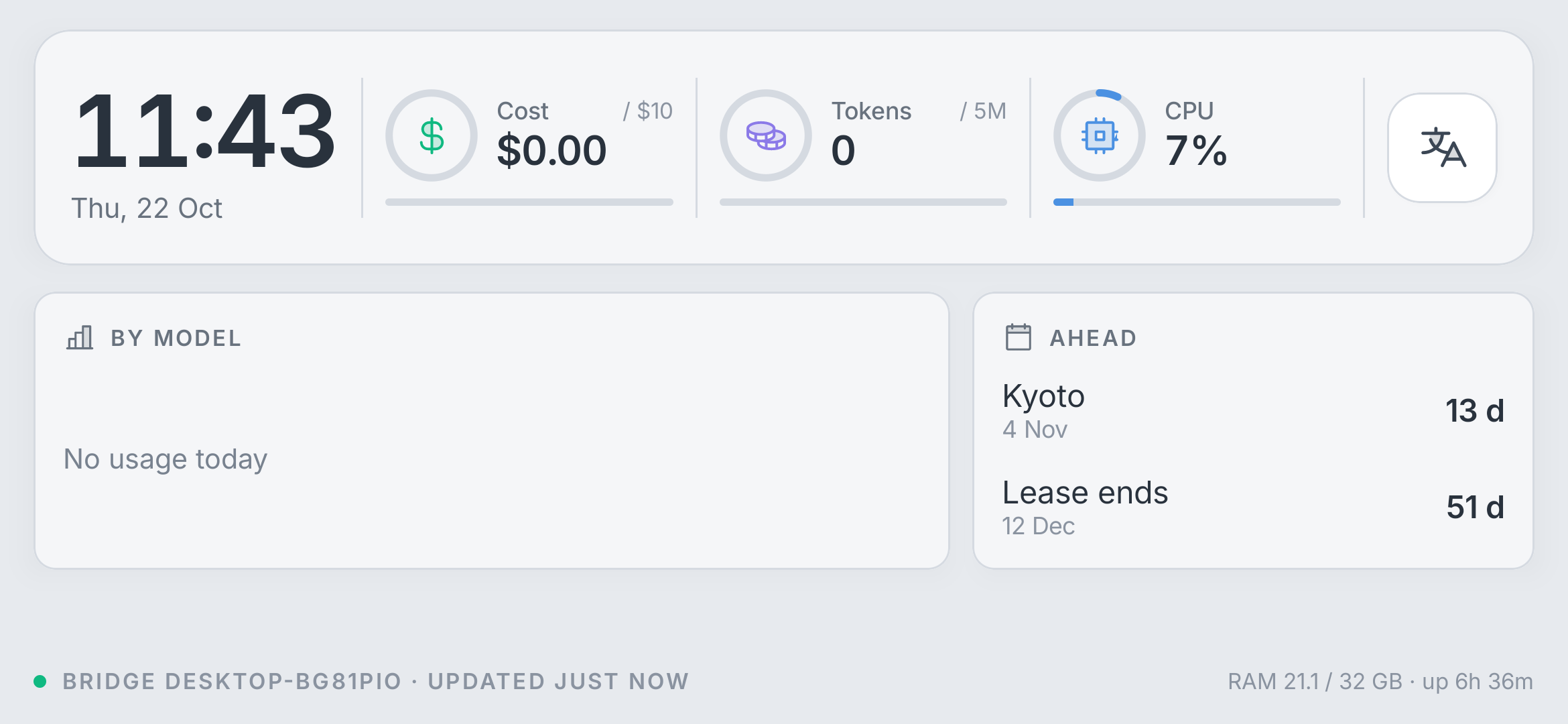
First run on the real phone is where the constraints got honest: 833 × 394 dp, and “OpenCo…” clipped because I designed on a wider emulator. Everything after this was measured against the actual glass.
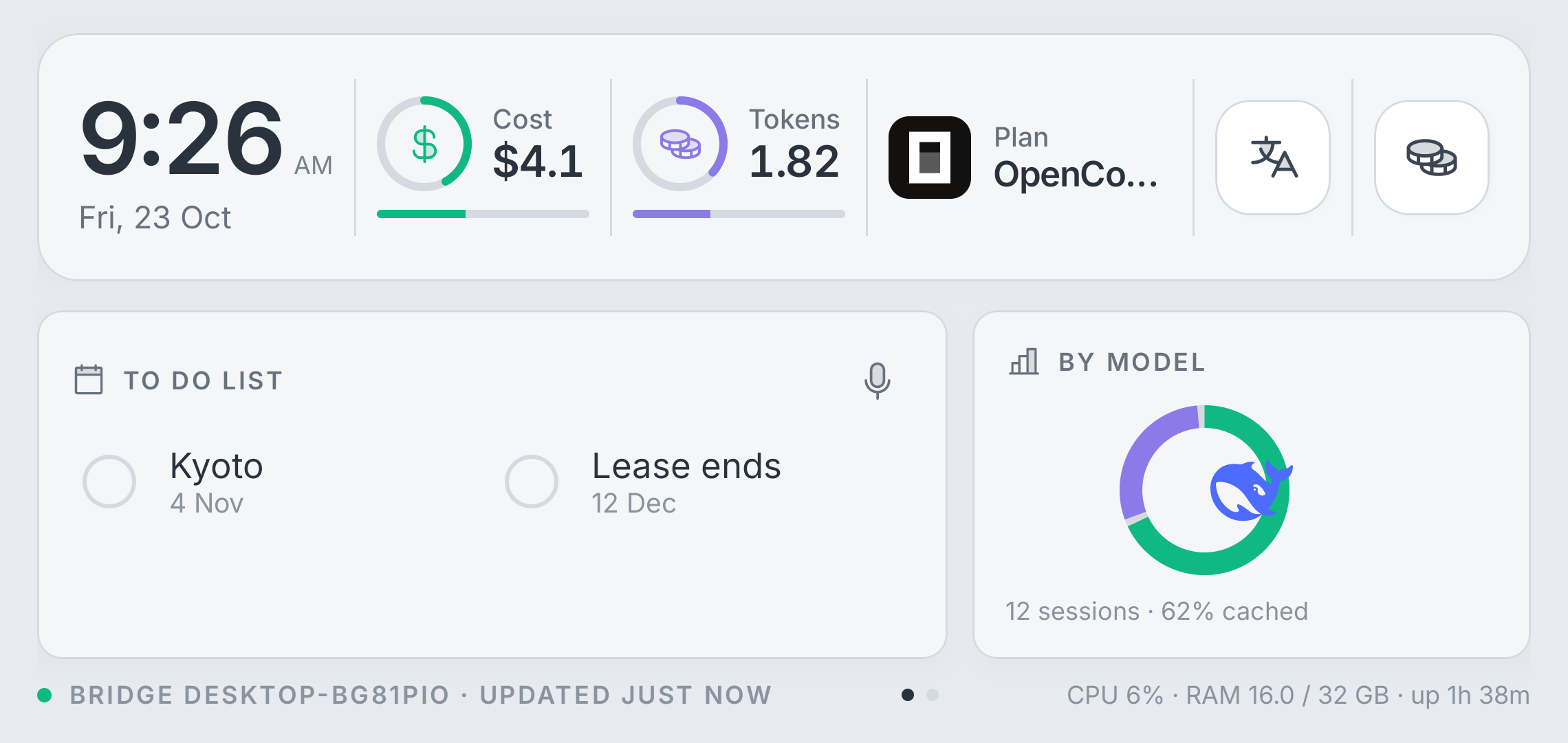
Learning what “usage” meant took a while. I assumed Go capped me at the $10 subscription. It doesn’t. Each model has its own monthly allowance, from $15 to $80. The cost ring became a per-model gauge: it tracks whichever model is closest to its own cap, and tapping the number says which one and how much room is left.
The mistakes worth keeping: session cost is stamped at the session’s start, so a session running across midnight hid a whole day of spend. A small ledger of observed deltas fixed “today” and gave me the rolling 5-hour window, the number that actually answers “can I keep working?”.
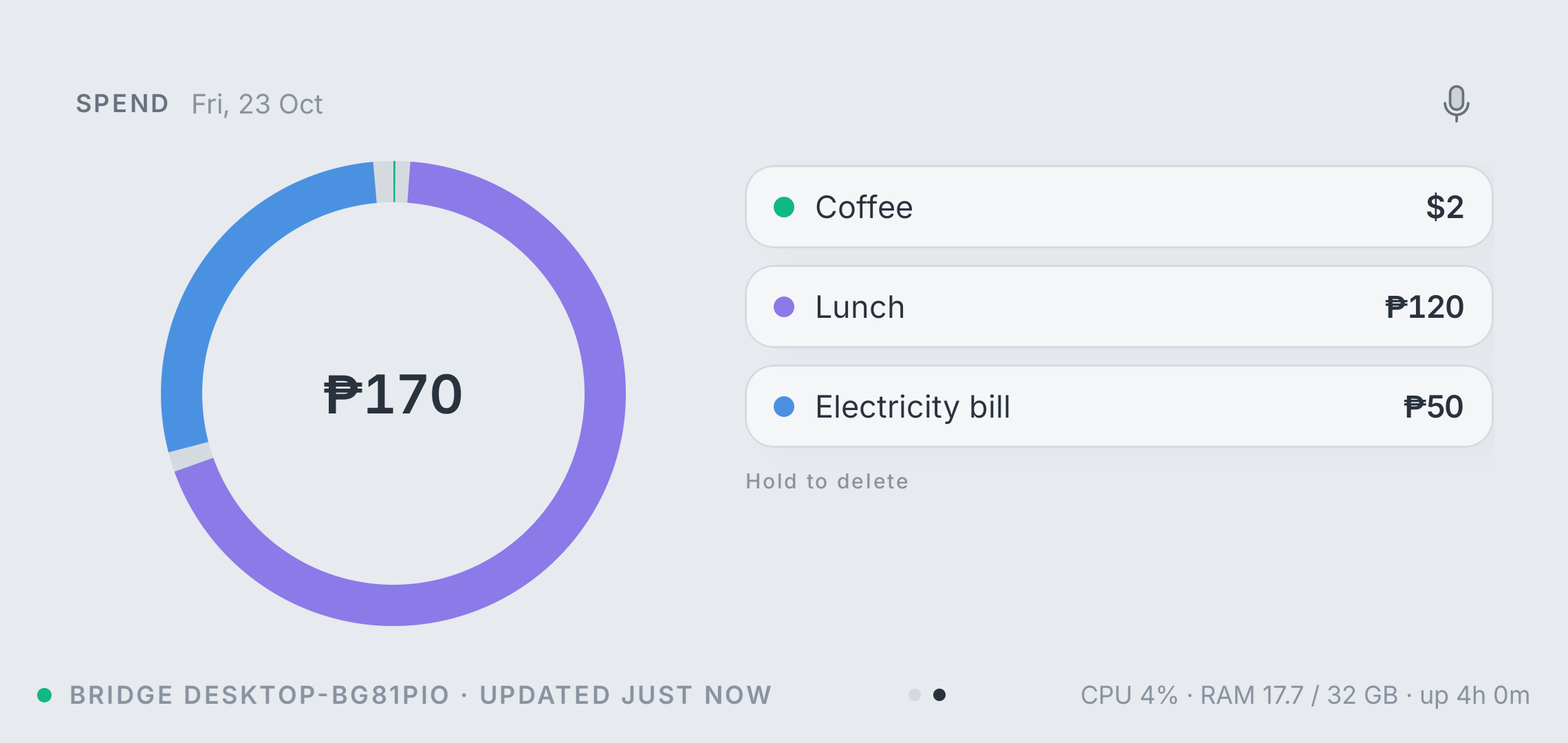
Page two covers expenses in the currency I actually spend: say “50 pesos for electricity” and it lands in the donut. Local template parsing, no model, no key, instant.
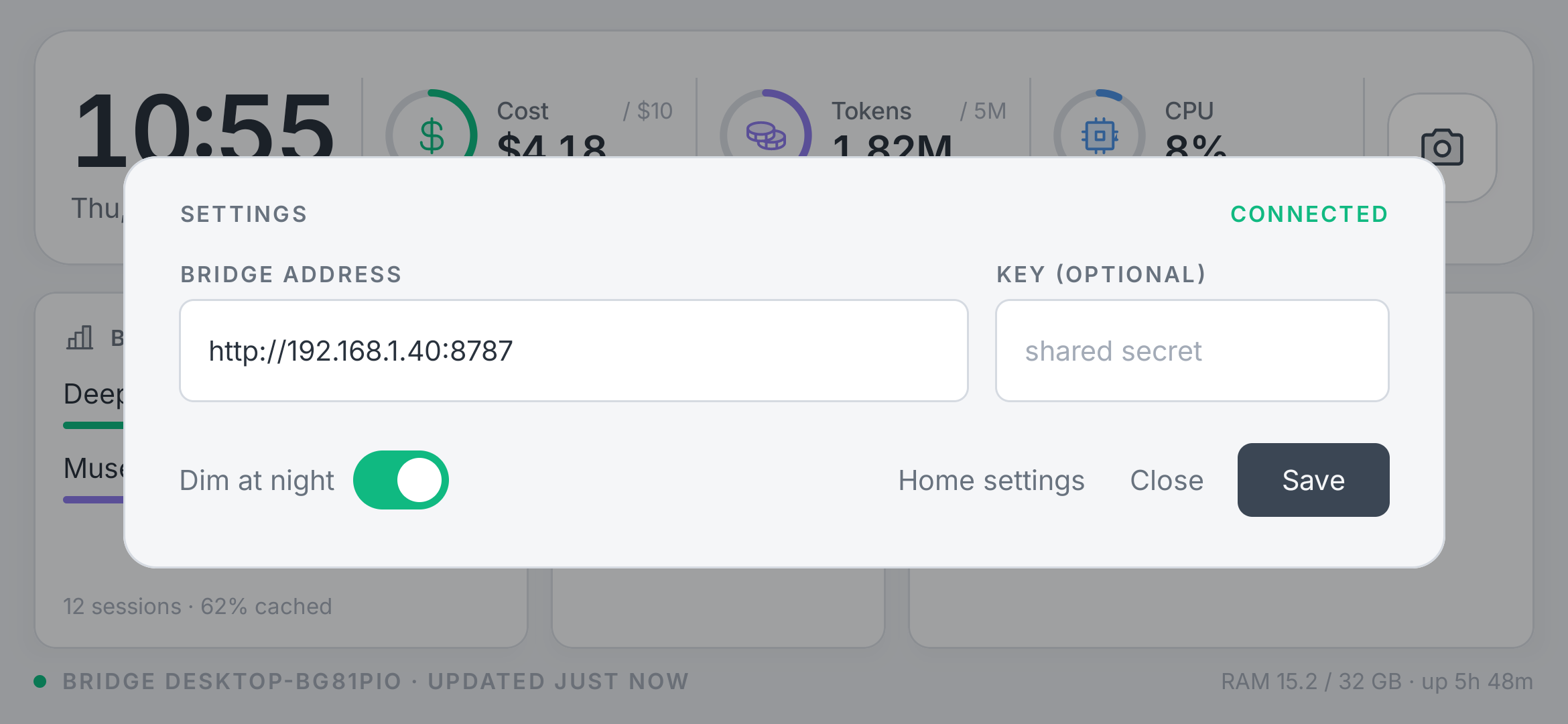
The quiet stuff: settings live behind a long-press on the clock, so the dashboard stays a dashboard.
What surprised me
- A $0 build still needed real engineering. The hard parts were time attribution, per-model limits, and a router that silently drops broadcast.
- Template parsing beat an LLM for what I actually say. “Add dentist tomorrow” is a regex problem, and it works offline, instantly, free.
- The old phone isn’t the bottleneck. It renders this at 60 fps and sleeps between polls. The bottleneck is deciding what earns a place on a 394 dp-tall screen.
Next
Weather, a 7-day spend chart, maybe a “today” view. Or nothing. The point was to stop fiddling and start glancing.
Jetpack Compose on the phone, Node on the PC, Inter for type, Phosphor duotone for icons.
The bridge reads opencode.db read-only; no usage data leaves the house.